

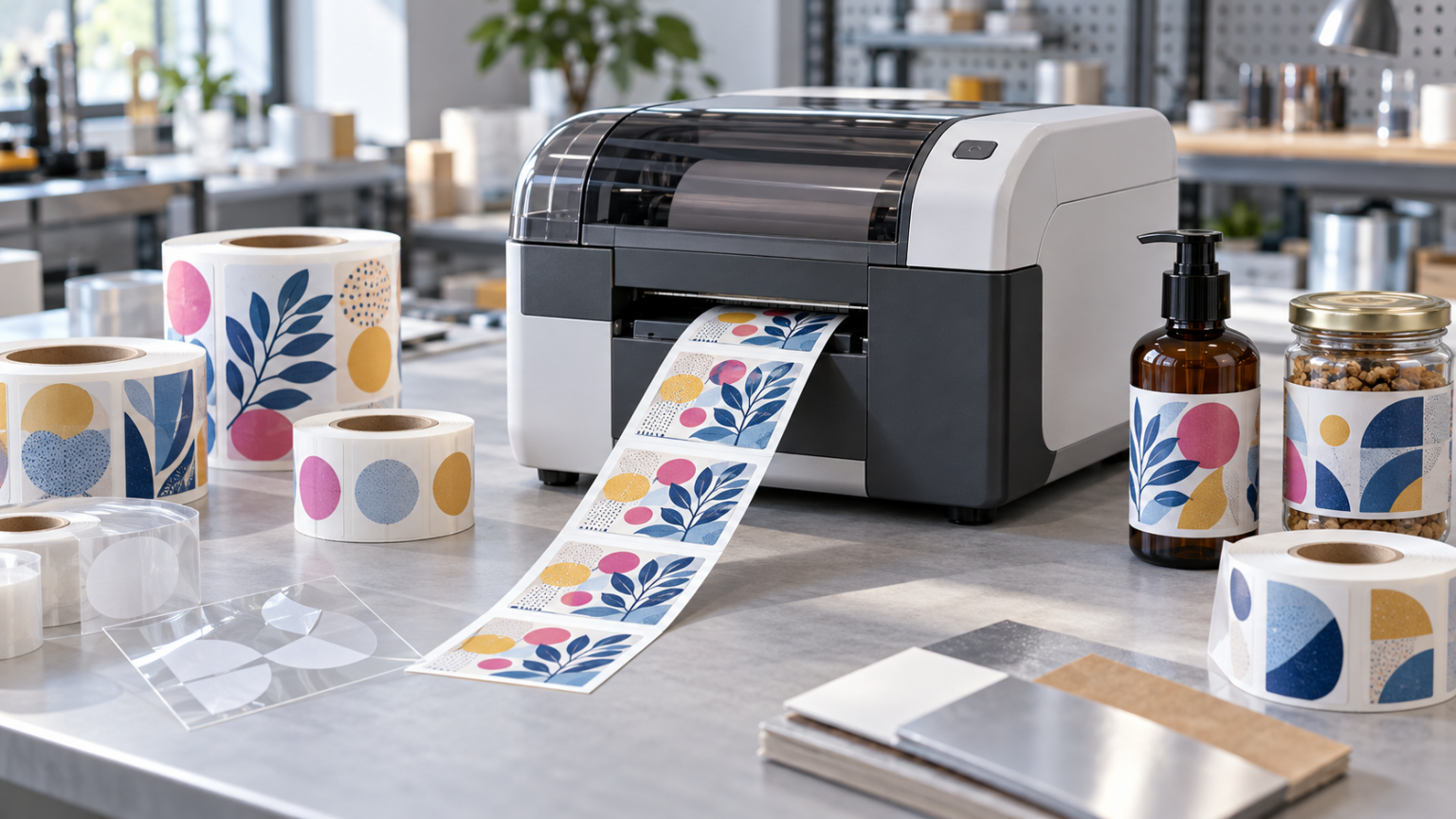
How to choose color label printer?
October 12 ‘2026
Color Label Printers: How to Choose Based on Print Volume and Material
Printing color labels in-house lets you produce the quantity you need when you need it. This is useful for businesses with many product variants, short runs and frequent design changes.
Choosing the right printer, however, involves more than price and resolution. Label dimensions, monthly volume, material and the conditions the packaging will encounter all matter.
1. Define the Print Volume and Number of Variants
Before comparing models, establish how many labels you print each month and how many you need in an individual run.
For example, printing 10,000 labels with one design and printing 10,000 labels spread across dozens of variants require different workflows. In the latter case, changing files, materials and settings also takes time.
Specify your busiest day or week as well. Your average monthly volume may look small, even though almost the entire quantity needs to be printed at once.
Short Runs and On-Demand Printing
For small runs, being able to change the design and print exactly the quantity required is important. The compact Epson C4000e is an option to consider when the label design fits within its maximum print width of 108 mm.
Wider Labels
If your design requires greater width, the choice narrows before you even compare speeds. The Afinia L502 supports a print width of up to 215.9 mm and offers dye-based or pigment-based ink solutions.
Larger Runs and Inline Operation
For larger volumes, assess the time required for the entire run, maintenance interruptions and roll handling. The Afinia L901 is an option to consider for high-output printing and integration with other equipment.
Do not compare only the maximum speed in the brochure. Request a test using your label size, design and selected print quality.
2. Choose the Material for the Application
Describing a label as “paper” or “polypropylene” is not enough to choose a printer. The print coating matters, as does the adhesive that attaches the label to the packaging.
| Conditions of use | What to check |
|---|---|
| Dry storage and indoor use | Appearance, legibility and how the label performs on the packaging |
| Refrigeration, condensation or exposure to water | Material, adhesive and print durability |
| Contact with oils or cosmetic products | How the material and print react to the actual product |
| Friction during transport and use | Print durability and the need for additional protection |
| Transparent or dark material | The need for a white underprint and compatibility with the printing technology |
For inkjet printing, use media designed for the specific system. A material suitable for one printer is not automatically suitable for another.
Durability should be assessed as a combination of material, coating, ink or toner, and adhesive. Choosing pigment ink alone does not guarantee that the complete label will withstand every condition.
3. Do You Need White Printing?
When printing on transparent or dark materials, white may be needed beneath the image or as a separate design element.
The Afinia LT5C uses LED technology with dry toner and prints in CMYK plus white. This makes it an option for applications that require white printing.
Not every color printer offers this capability. Specify it before choosing a model and check a sample printed on the actual material.
4. Compare the Cost of Your Label
There is no single universal cost for printing a color label. Size, color coverage, material and run length all affect the cost.
A solid-color background can have a different cost from a design of the same dimensions with more unprinted white areas.
To compare variable costs, use:
Cost per usable label = (material + ink or toner consumed + other consumables used) / number of usable labels.
Include the material and consumables used for setup and waste. For the full production cost, also account for labor, maintenance and equipment costs. When printing white, white toner must also be included in the calculation.
Request an estimate based on your file and material, rather than only an example using someone else’s design.
5. Consider What Happens After Printing
Printing is part of the process. If the labels will be fed into a labeling machine, specify the diameter of the finished roll, the core diameter and the winding direction. Include a rewinder if needed.
If you print on continuous media and want a custom label shape, consider the finishing equipment required. It must be compatible with the printer and the material.
Which Models Should You Consider First?
| Main requirement | Starting point |
|---|---|
| Compact short-run printing, with a print width of up to 108 mm | Epson C4000e |
| Wider labels, up to 215.9 mm, and a choice of ink system | Afinia L502 |
| High-output printing and integration with other equipment | Afinia L901 |
| Color printing with white on suitable transparent or dark materials | Afinia LT5C |
These are examples for different applications. The final choice depends on testing, cost and your workflow.
Send a Design for a Print Test
To help us recommend a suitable printer, send the label dimensions and artwork file, your preferred material, monthly quantity, individual run sizes and conditions of use.
Contact Diktech to discuss a print test and a solution for your application.